
FotoDeVisa Visa and passport photo studio
Start

Visa photo platform

Online visa and passport photo.

Visual guide

What a correct photo should look like

1
Light
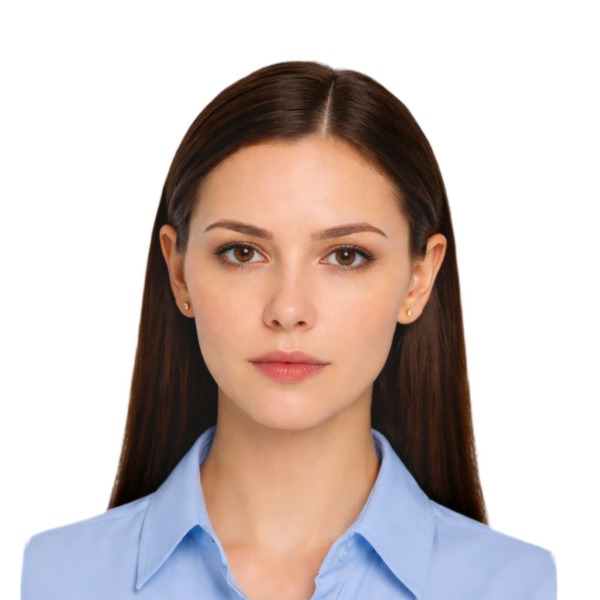
Ejemplo con luz suave frontal

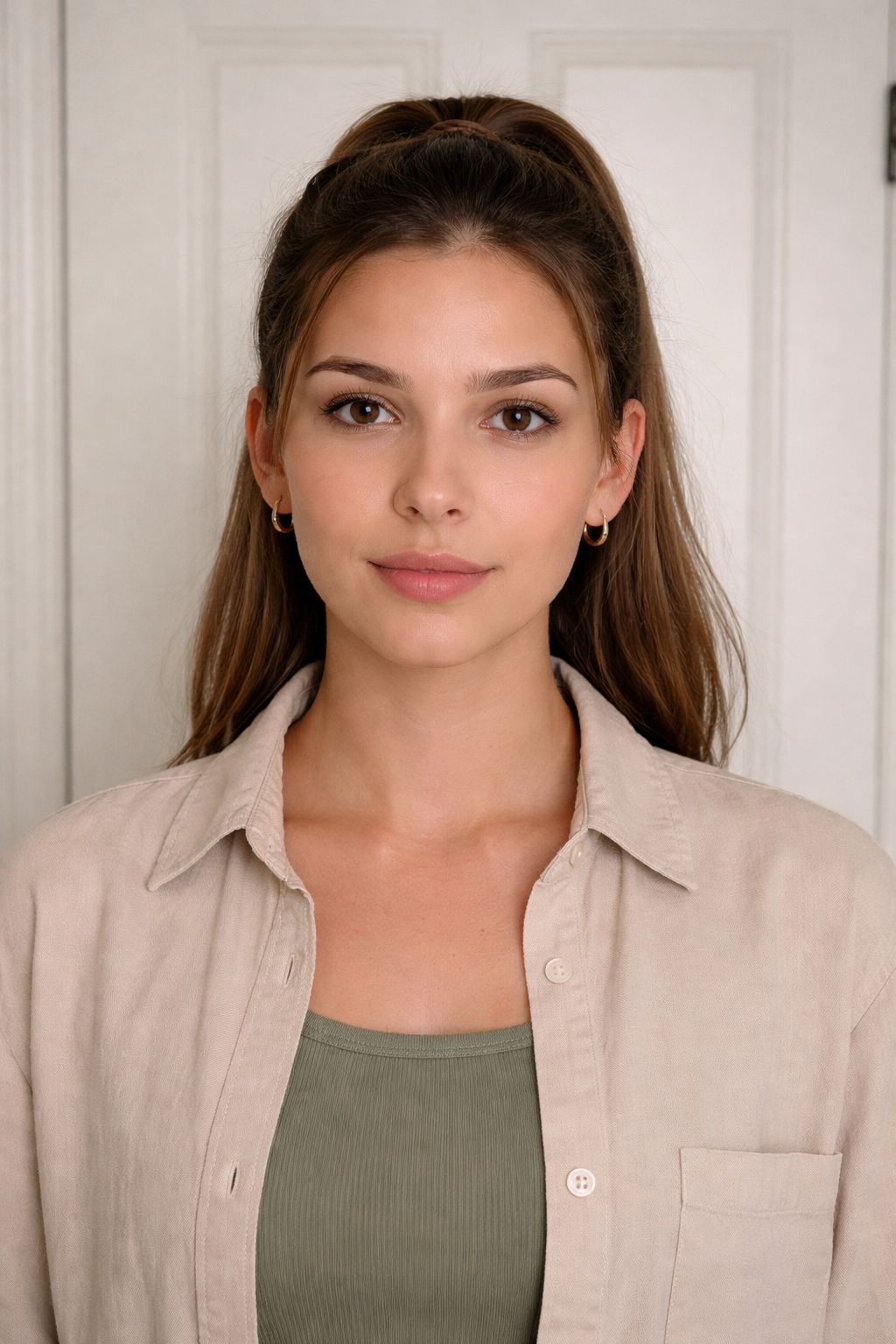
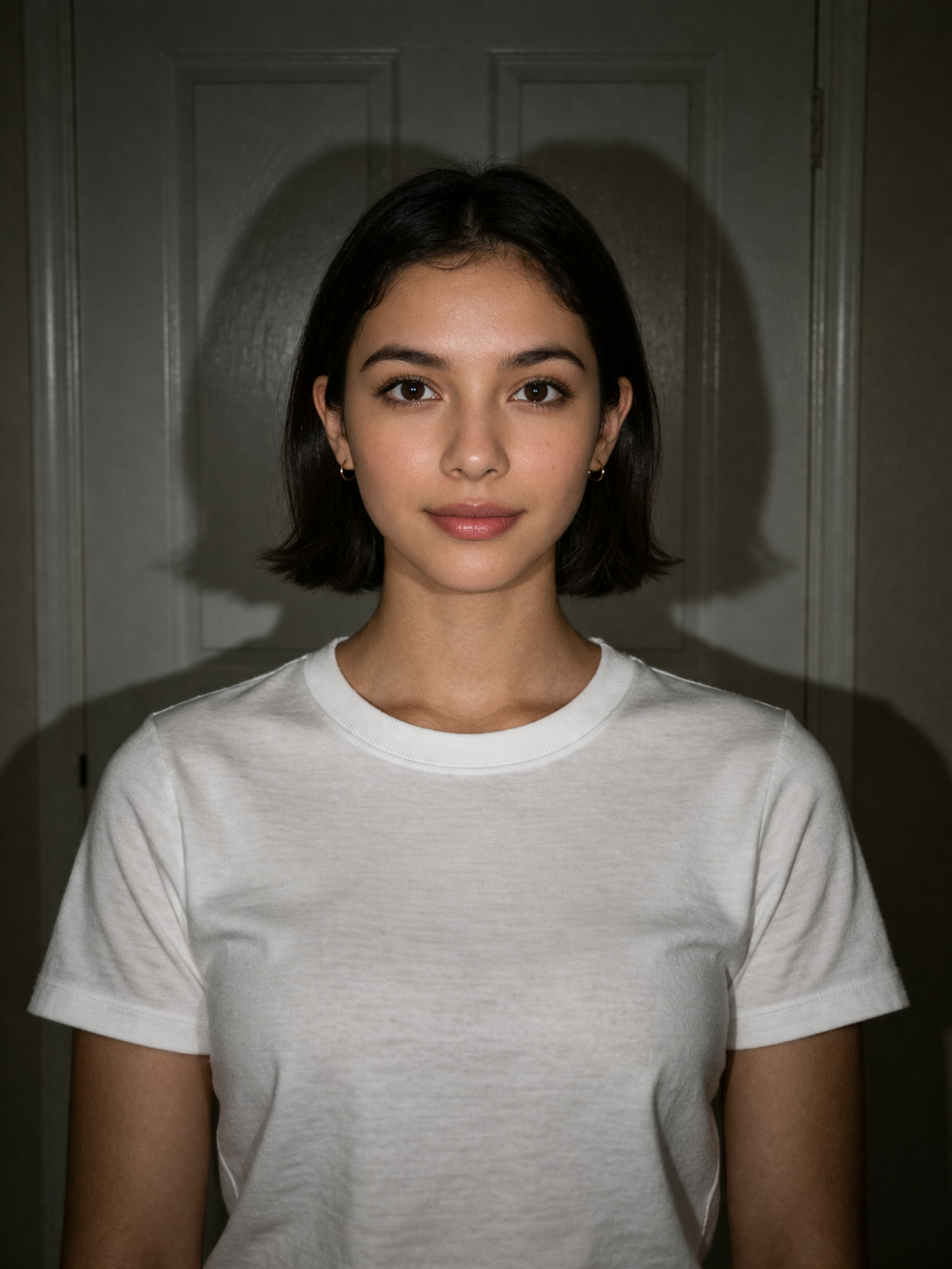
Use even lighting and avoid strong shadows on the face.

Frame
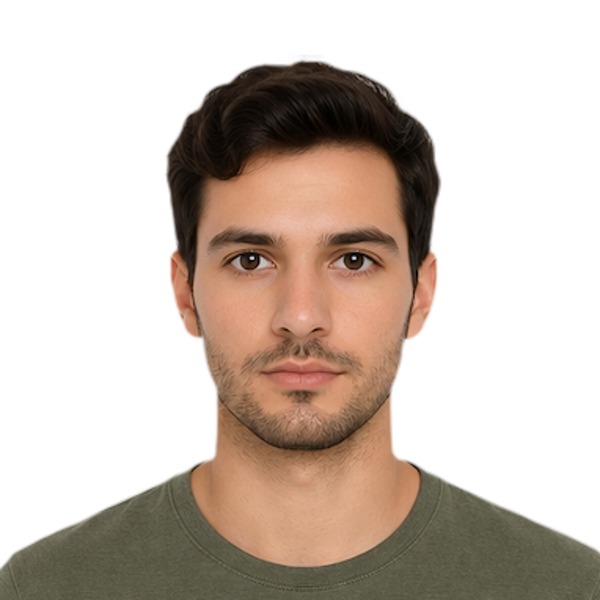
Ejemplo de encuadre frontal con hombros visibles

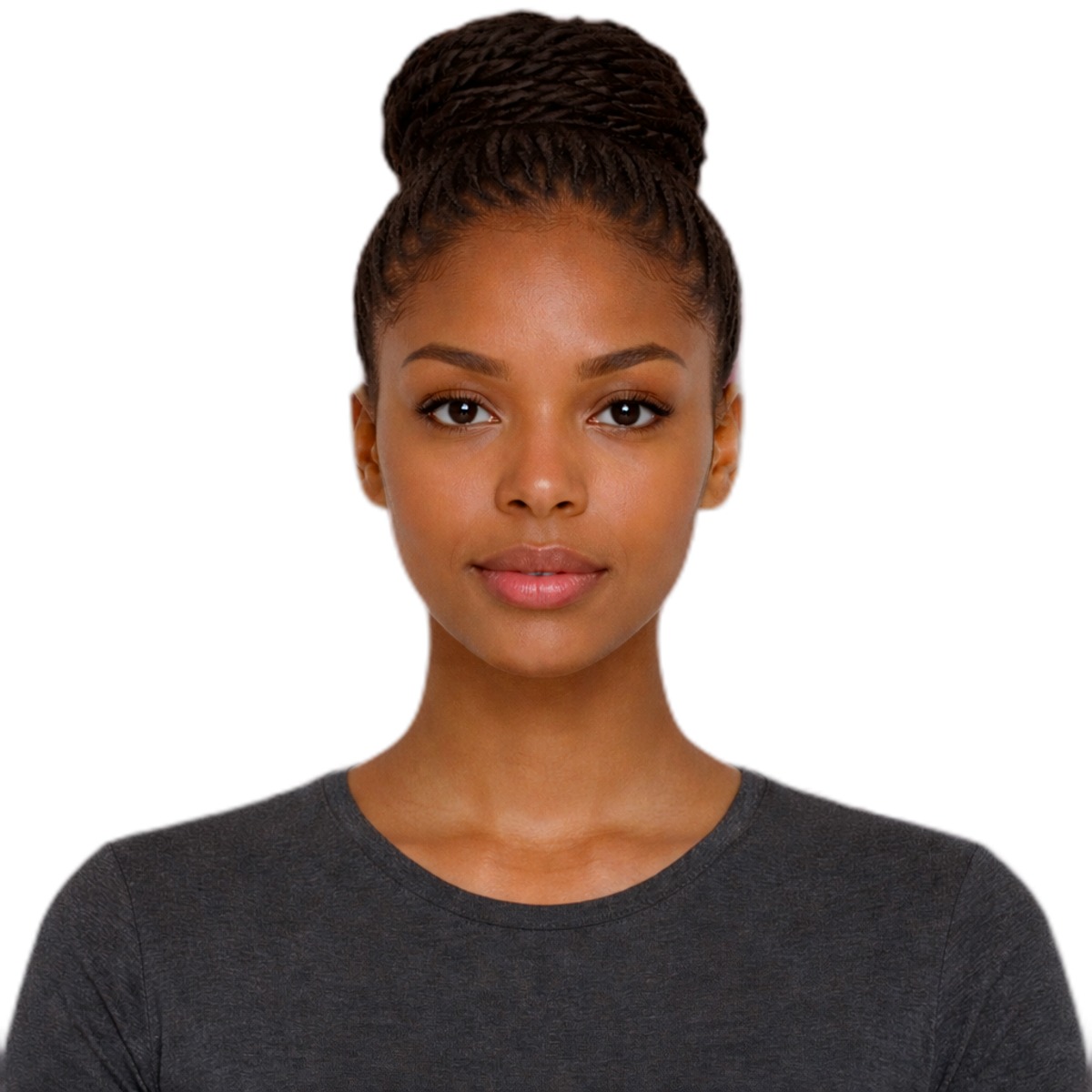
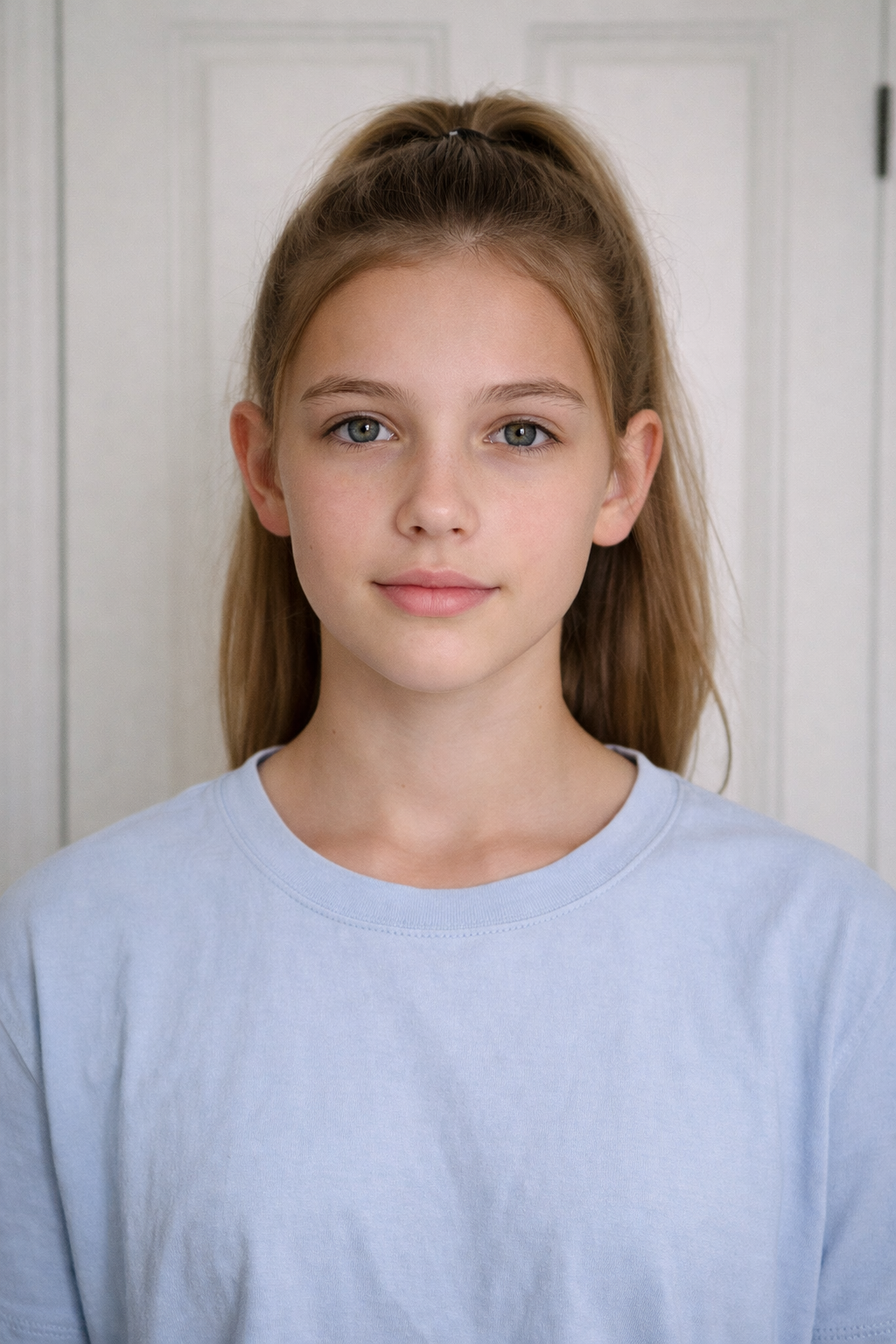
Keep the head centered, shoulders visible, and ears unobstructed.

Face
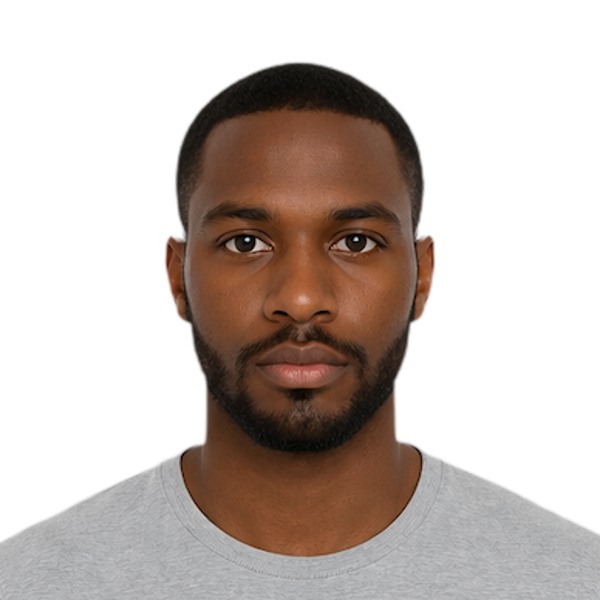
Ejemplo con pose frontal correcta

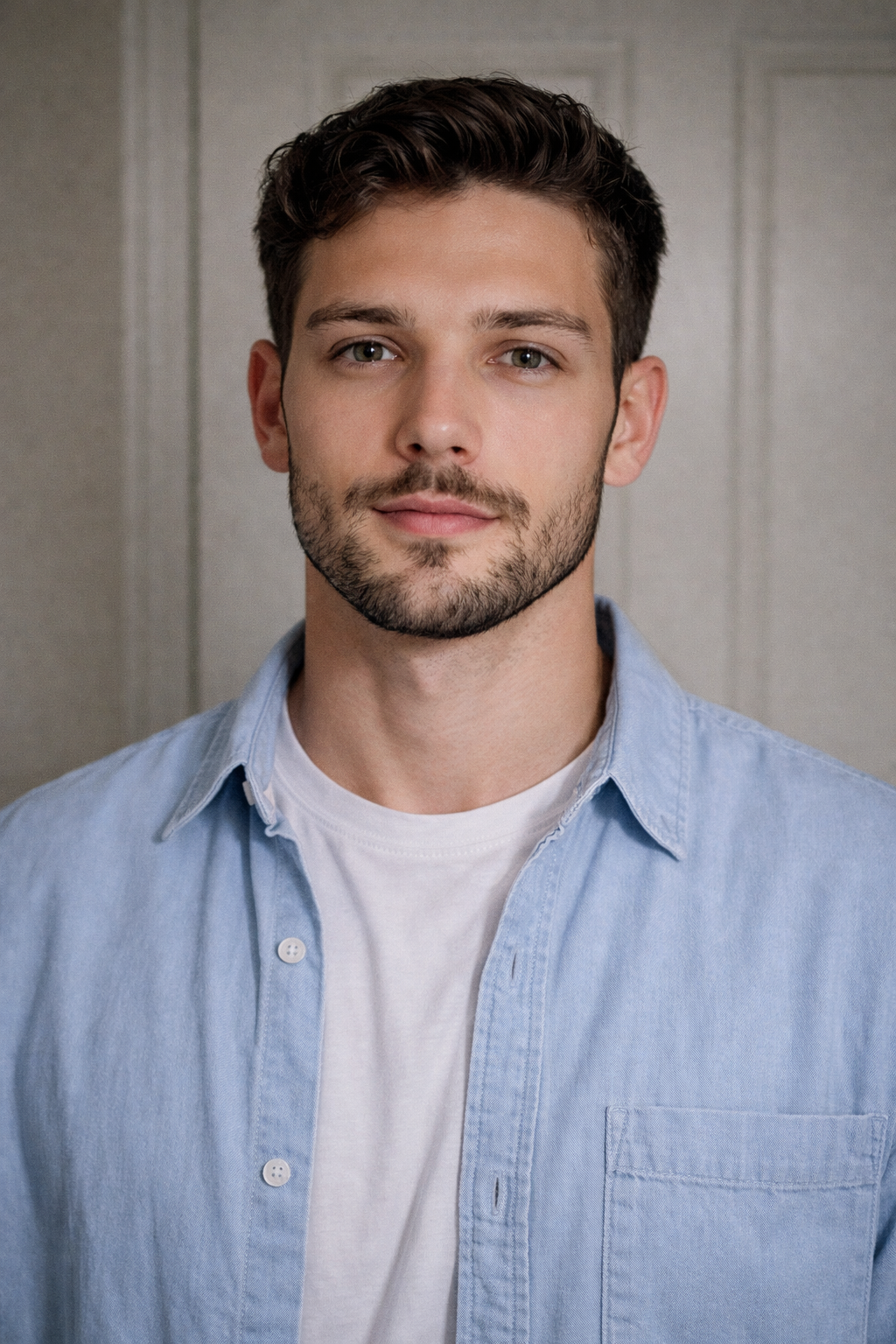
Look straight ahead with a neutral expression and no smile.

Guided capture

Follow simple directions to position yourself correctly, frame the shot well, and get a valid photo on the first try.

Upload

Upload an existing photo or take a new one.

Review

The image is cropped, proportions are checked, and the background is prepared.

Ready result

Digital delivery and print-ready preparation when needed.

Fast, clear, professional

Upload your photo, let us refine the framing and background, and receive a file ready for your application in minutes.

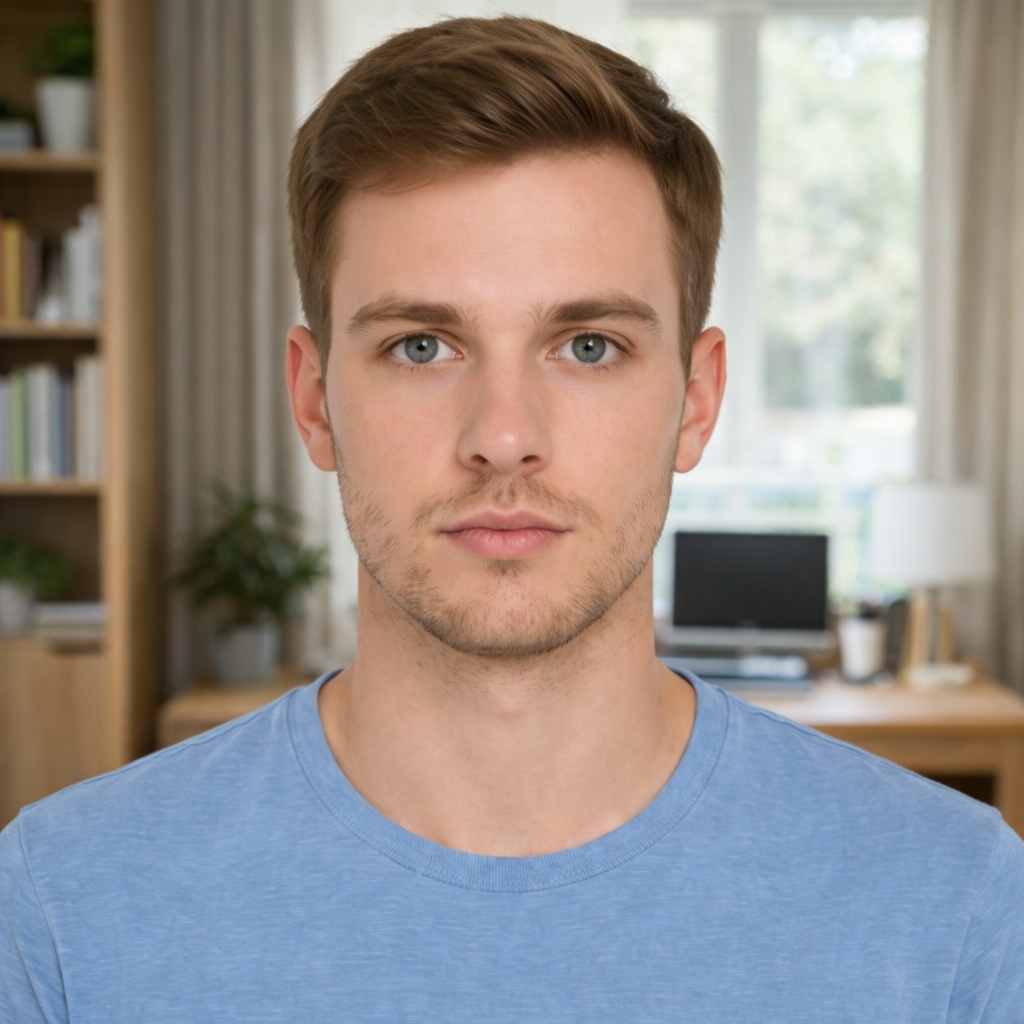
Unprocessed
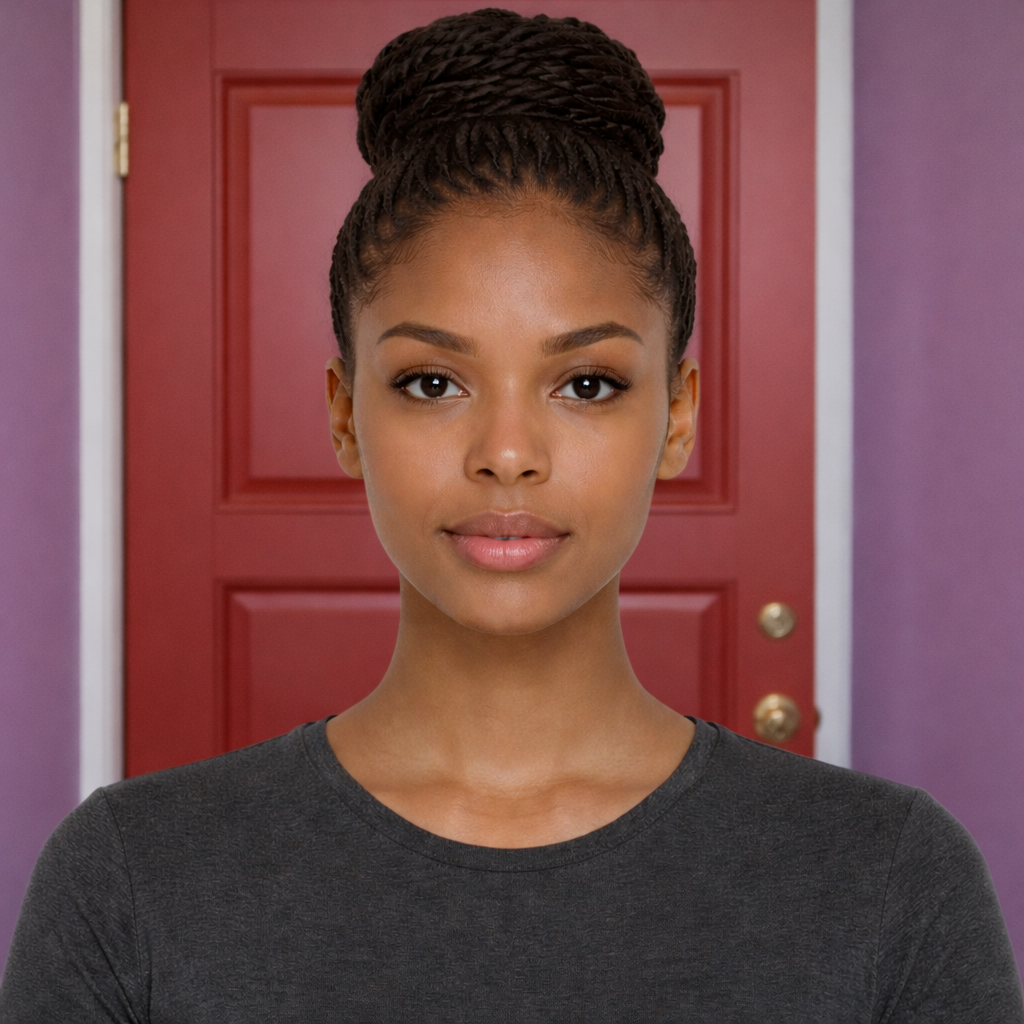
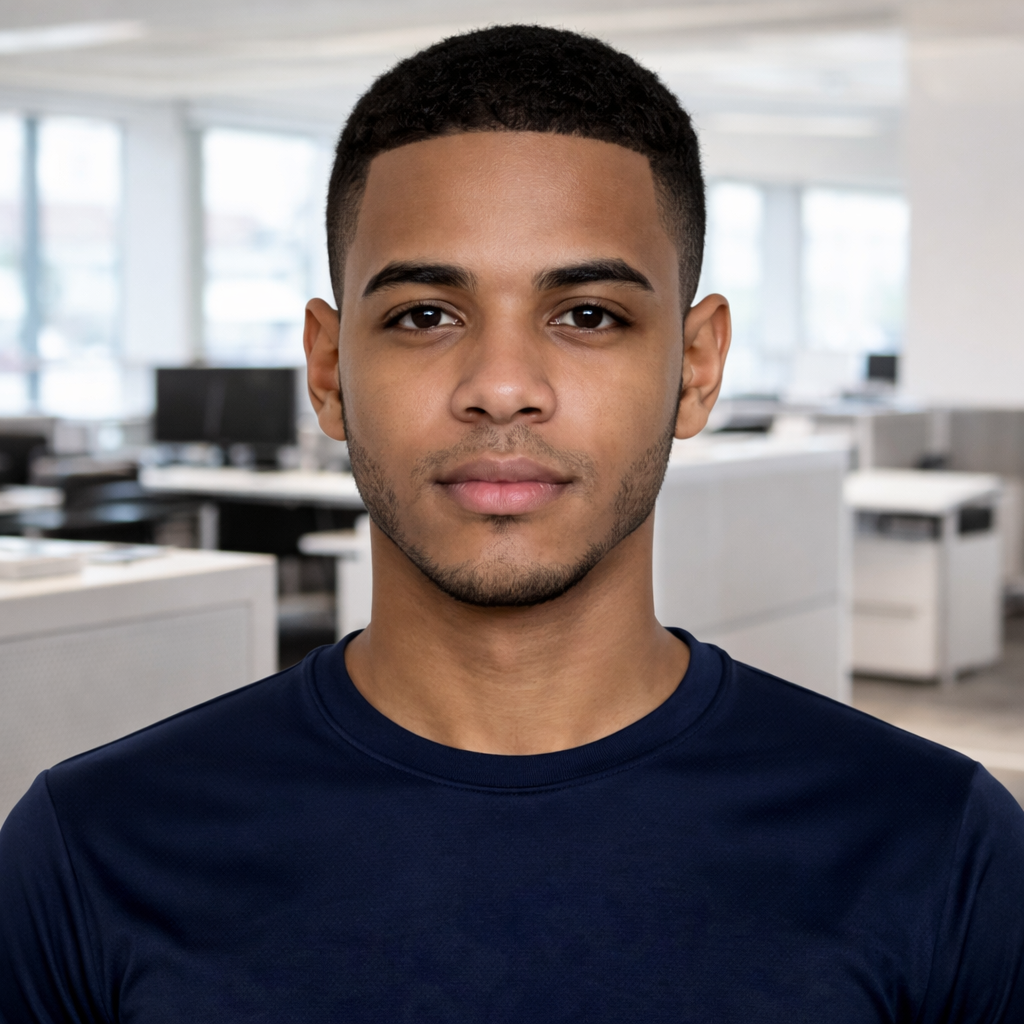
Ejemplo de foto antes de procesar
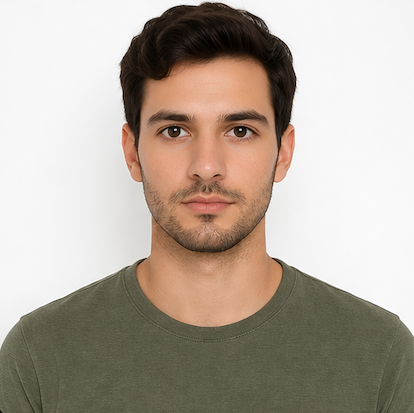
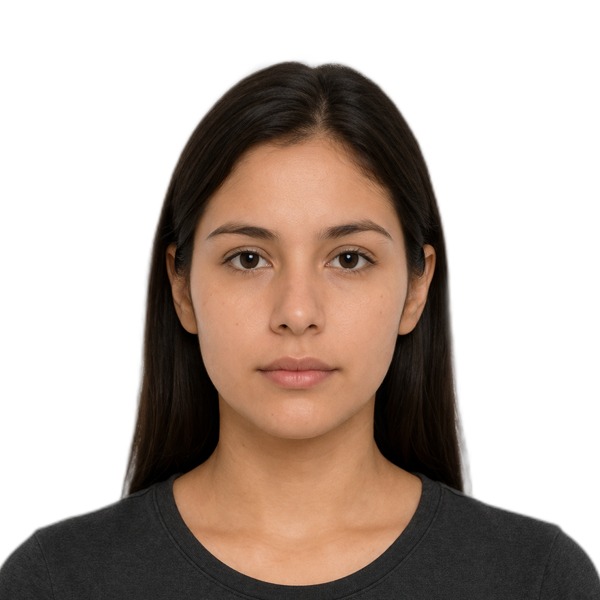
Processed
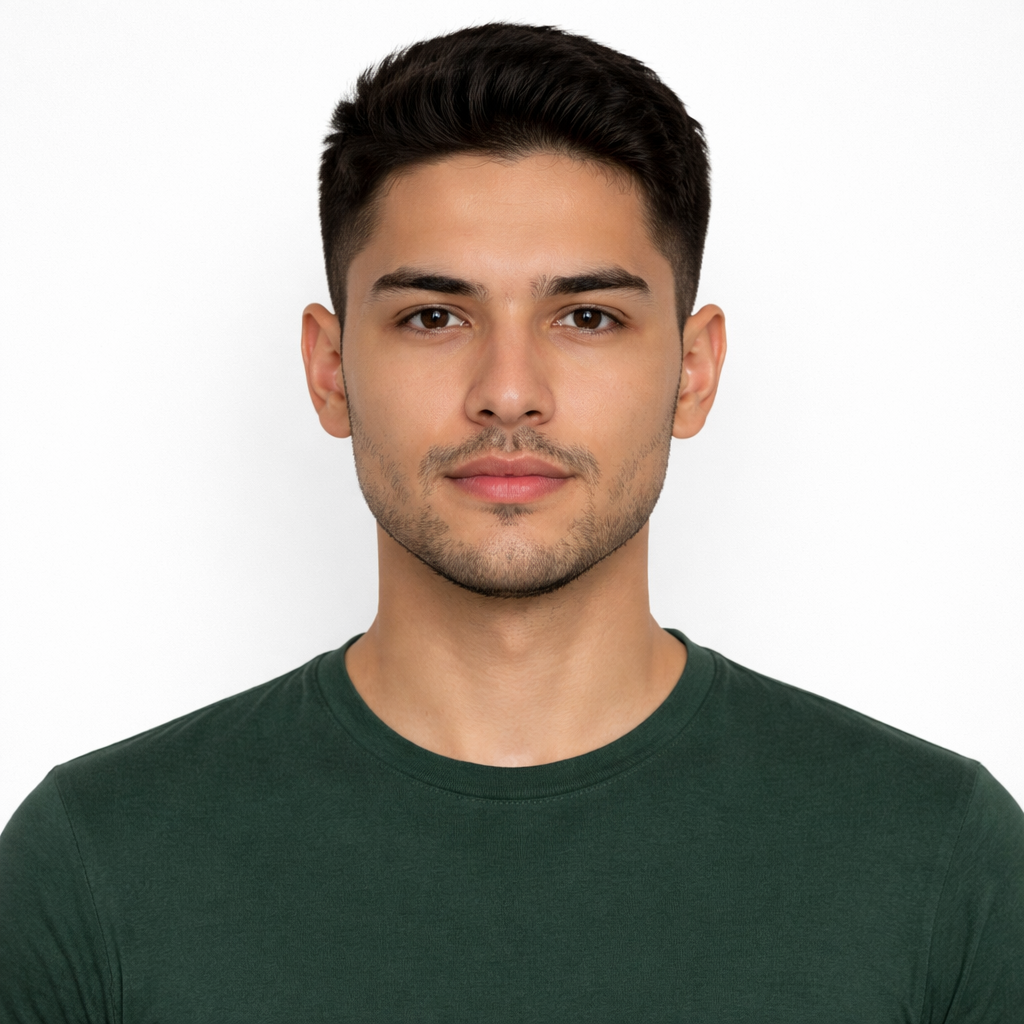
Ejemplo de foto procesada con fondo blanco

Before and after

See how your image becomes a clean, well-framed photo aligned with your document requirements.
Studio

Upload your photo and choose the document

Step 1

We guide you step by step so your photo looks right, feels secure, and is ready for your application.

Original

Upload
Foto original

Select an image to preview it here.

Processing status

Ready to process

Standby

Upload an image and we will prepare your photo with cropping, validation, and final adjustments for your document.

  1. 1
    File received

    We confirm the format and prepare the base photo.

  2. 2
    Cropping to official size

    We adjust the image to 2x2, DS-160, or TRV dimensions based on the document.

  3. 3
    Head and eye validation

    We verify facial proportions and visual alignment.

  4. 4
    Background and cleanup

    We refine uniformity, clarity, and overall finish.

  5. 5
    Final export

    We prepare your final preview and leave your file ready to download.

Output

Your photo ready to review and download

Step 2

Review your result, confirm the details, and complete payment in a clear, secure, professional flow.

Processed result

2x2 / digital
Foto final

Your final photo will appear here.

Specifications

Visual and technical requirements for the active document

Ejemplo fotográfico de documento
2 in 1 - 1 3/8 in 2 in
Printed size 2x2 inches
Digital output 1200x1200 px
Background White or off-white
Recency Last 6 months
Resolution 300 DPI+
Format JPEG / JPG

Select a document

Do

    Don't

      Visual guide

      Clear examples to help you take a correct photo on the first try

      Adults

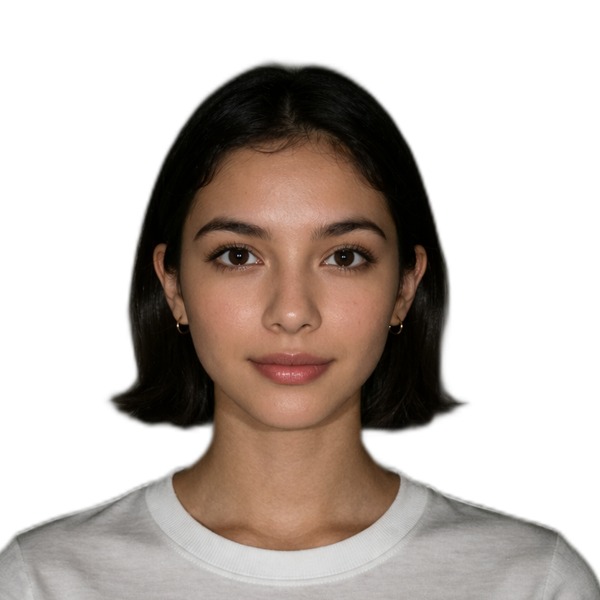
      Correct

      Front-facing face, neutral expression, straight shoulders, and an even background.

      Ejemplo correcto adulto 1
      Ejemplo correcto adulto 2
      Ejemplo correcto adulto 3

      Flexible cases

      Front-facing

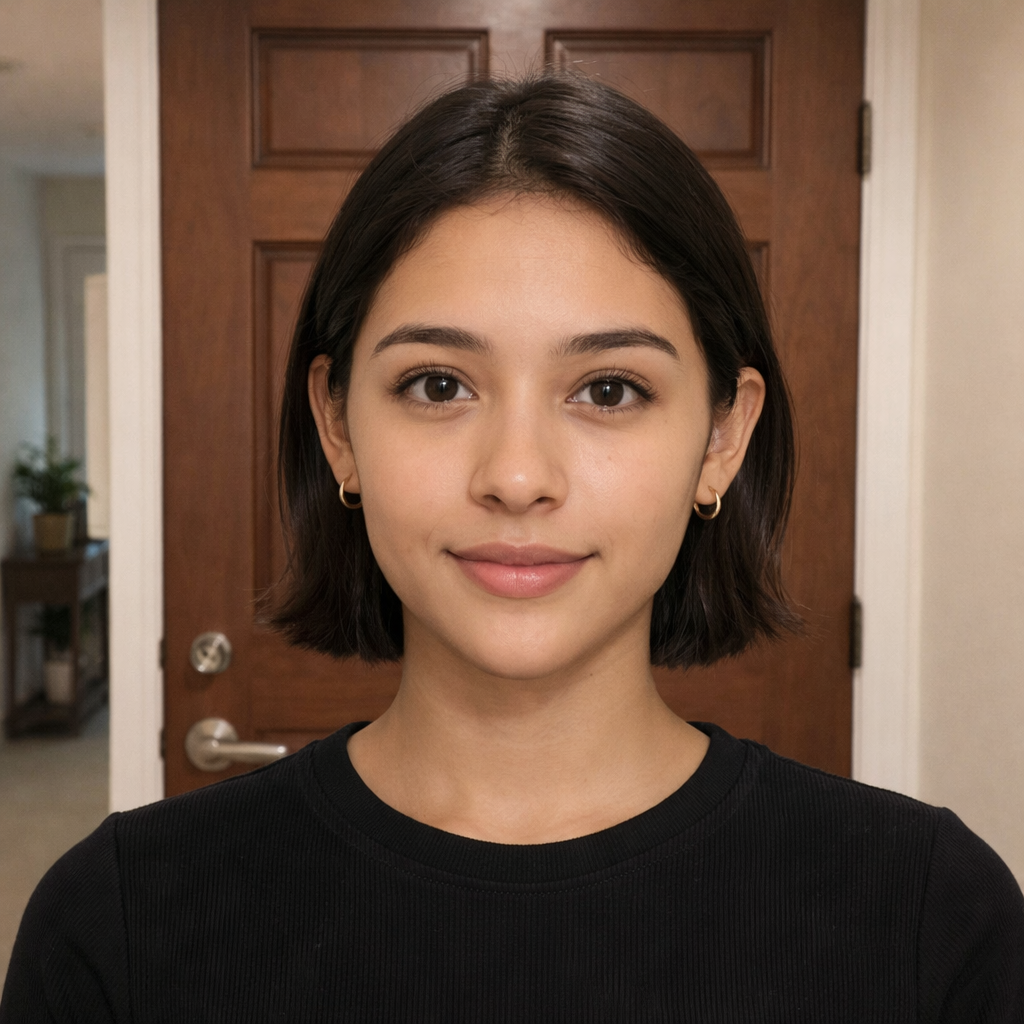
      Even in more flexible cases, the face should be fully visible, front-facing, tidy, and with the shoulders inside the frame.

      Ejemplo flexible 1
      Ejemplo flexible 2
      Ejemplo flexible 3

      Good and bad photos

      Comparison

      See what works and what to avoid so you get a clean, professional photo aligned with the requirements.

      Before Ejemplo antes de procesar
      After Ejemplo después de procesar
      Ejemplo correcto frontal
      Front-facing and clean
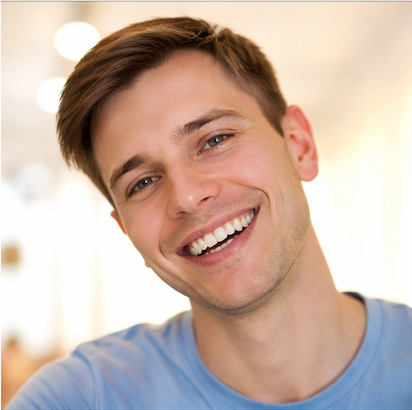
      Ejemplo incorrecto sonriendo
      Smiling
      Ejemplo correcto con orejas visibles
      Subject visible
      Ejemplo incorrecto borroso
      Blurry
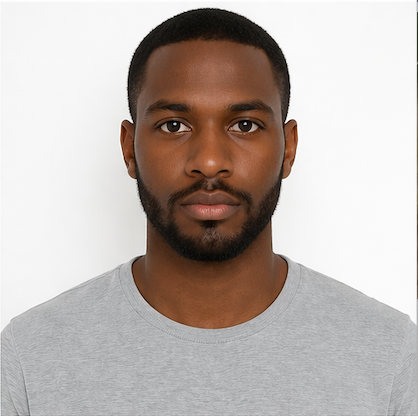
      Ejemplo correcto sin sonrisa
      No smile
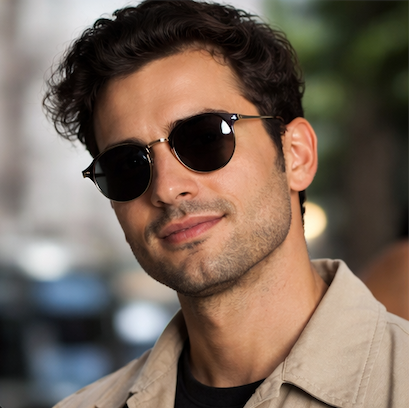
      Ejemplo incorrecto con lentes oscuros
      Sunglasses

      This tool helps produce a photo aligned with official requirements, but it does not replace the final validation of the relevant authority.